Help Setting Up Sky Glass
Sky Glass is the TV and the service in one screen, with no dish on the wall.
We provide sky glass setup help at home, with your own Sky subscription and your own settings.
You pay nothing to ask us. We quote first, and the price stays fixed once agreed.
What Sky Glass Is, in Plain Words
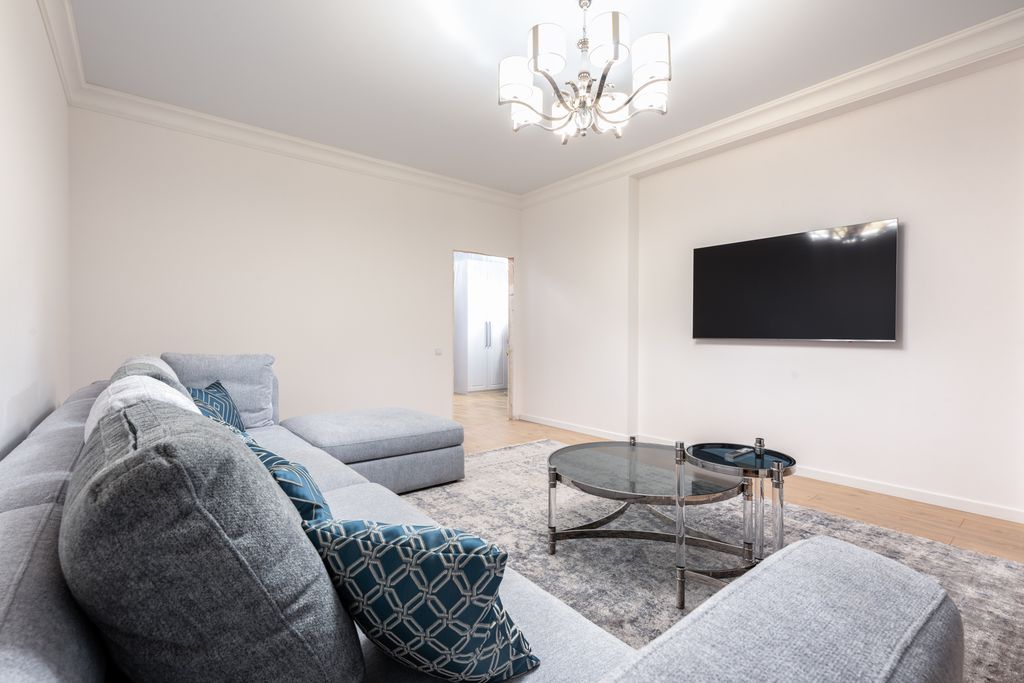
Sky Glass streams everything over your broadband. There is no dish and no separate box under the TV. Your Sky package, your channels and the apps Sky offers all live inside the set.
That design makes the first setup count. A weak broadband spot, a rushed sign in or wrong picture settings will follow you every night. We work through the setup in order, so the first evening feels calm.
You need your own Sky Glass subscription, arranged with Sky in your name. We help you use it well. We do not sell it, and we cannot supply it.
Who This Service Is For

This sky glass setup help suits new owners who want the set working well from day one. It also suits people who moved home, changed broadband or fitted a new router.
Families use it to set the parental PIN and age limits before children explore the menus. People who feel less sure with technology use it for a patient walk through the remote and the Playlist.
You need no skill with technology. You need the TV, your broadband details and your Sky account details. You keep those details with you at all times.
What We Do
On a Sky Glass visit, we work through this list in order:
- Place the TV safely and check the viewing angle from your seats
- Join the TV to your Wi-Fi, or wire it with an Ethernet cable
- Test the broadband speed and signal at the TV spot
- Guide you while you sign in with your own Sky ID and activate the set
- Pair the voice remote and test voice search with you
- Set up your Playlist and show you how shows gather there
- Set the picture for your room, with Dolby Vision where content offers it
- Set the sound through the built in speakers, and test speech clarity
- Link a soundbar through HDMI eARC if you own one
- Set the parental PIN, age ratings and purchase controls
- Turn on access features you want, such as subtitles and audio description
- Show you updates, restarts and daily basics before we leave
What You Need Ready
- The Sky Glass TV, its stand and the voice remote with batteries
- Your broadband name and password, or an Ethernet cable near the TV
- Your Sky ID email and password, kept by you
- Your viewing seats in place, so we set the picture for real life
We bring the method and the patience. You bring the passwords. That split keeps your Sky account safe.
The Honest Limits of Sky Glass
Sky Glass is a closed platform. Sky decides which apps appear, how the home screen works and what the set can do. No installer can change those rules, and we will not pretend otherwise.
We do not add apps from outside Sky system. We do not load software from files or links. We do not claim third party streaming services work on Sky Glass, because Sky has not made them available on it.
Sky Glass also has no Chromecast or AirPlay built in. If casting from a phone matters to you, we can talk through honest options, such as a separate streaming stick on a spare HDMI socket.
What We Can Help With, and What Only Sky Can Do
|
We can help with |
Only Sky can do this |
|---|---|
|
Positioning and viewing setup |
Supply, replace or repair faulty Sky equipment |
|
Wi-Fi or Ethernet connection |
Provide your subscription, channels and packages |
|
Guided sign in with your own Sky ID |
Change your package, billing or account |
|
Picture, sound and access settings |
Decide which apps appear on Sky Glass |
|
Playlist, voice remote and parental controls |
Fix faults inside Sky service or platform |
Glass already set up but a fault has appeared? See our troubleshooting help page.
How It Works in Three Steps
Step 1: Tell Us Your Setup
Send the size of your Glass, the room it sits in and your broadband type. We confirm we can help and quote a fixed price.
Step 2: We Set It Up With You
We visit at the agreed time and work through the setup in order. You sign in and activate the set yourself, while we guide each screen.
Step 3: We Show You How to Use It
You take the remote and try voice search, the Playlist and the guide. We answer questions until it feels simple.
How to Set Up Sky Glass, Step by Step
1. Position and Power
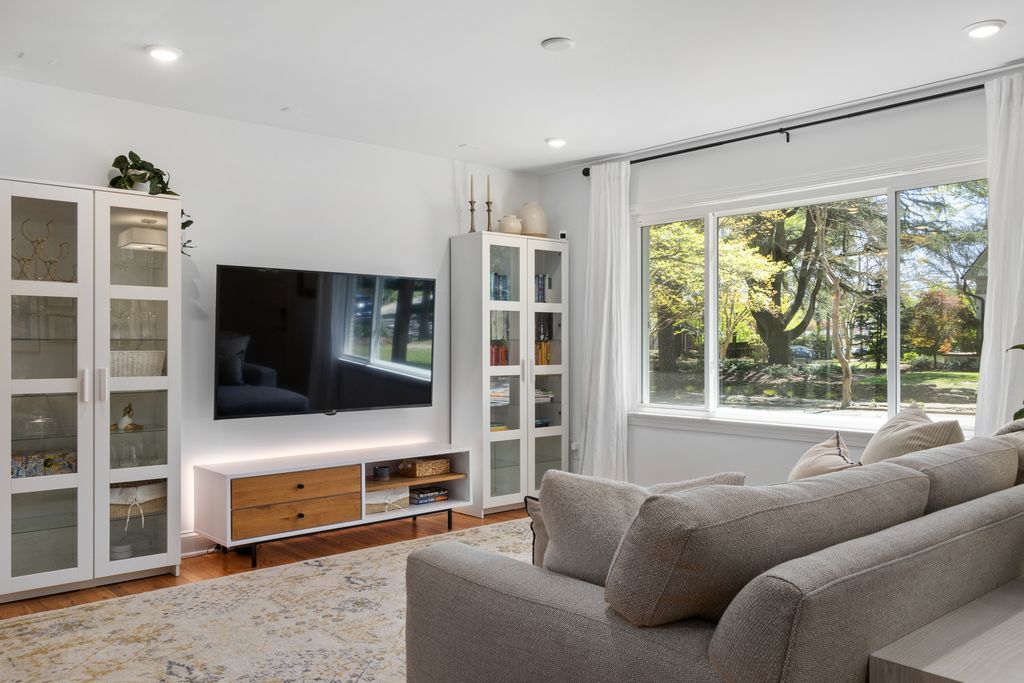
Glass carries its own speakers, so nothing should block the front of the set. We check the surface sits level and firm. We check the viewing distance and height from your seats, and we route the power lead safely.
2. Wi-Fi or Ethernet
Glass streams all day, so the link matters more than on most TVs. We join your Wi-Fi and test the signal in the final spot. A wired Ethernet link gives the steadiest picture where a cable can reach. If the signal stays weak, we explain your options in plain words.
3. Sign In and Activate with Your Sky ID
You sign in with your own Sky ID and follow the activation screens. We explain each screen as you go. Your package and your billing stay between you and Sky, where they belong.
4. Playlist and Voice Remote Basics
We pair the remote if the set asks for it. We test the home, back and select buttons with you. We practise voice search, and we show you the Playlist, where shows you save and resume gather in one place.
5. Picture and Sound Settings
We set brightness, contrast and the picture mode for your room. Shop style settings look harsh at home, so we aim for a natural picture. We test speech through the built in speakers, since clear dialogue matters more than loud effects for most homes.
6. Apps Through Sky Official System
Sky chooses the apps on Glass. Where Sky offers apps such as BBC iPlayer, ITVX, Netflix, Disney+ or YouTube, we open them and guide you while you sign in with your own accounts. If an app does not appear in Sky system, nobody can install it another way, and we say so plainly.
7. Parental Controls and PIN
We help you set a PIN and choose age ratings for your household. We test the locks with you, so you know they work. Keep your PIN private, and change it if a child learns it.
8. Access Settings
We turn on the features you want from the set menu, such as subtitles, audio description, voice guidance and display changes. We test each one with you, and we show you how to switch it off again.
How Much Does Sky Glass Setup Help Cost?
Our price depends on plain things: the size of the set, a soundbar, a second room puck, and how much teaching you want after the setup. Sky charges for the TV and the subscription. Our charge covers the home visit and the setup work only.
We quote one fixed price before we start. The price does not grow on the day, and you pay nothing to ask.
You can ask for a free quote on WhatsApp or through our contact page.
Common Problems We Sort Out on the Day
|
Problem |
Likely cause |
What we do |
|---|---|---|
|
Buffering in the evening |
Busy network hours and a weak signal at the TV |
Test the signal, switch band or wire the set |
|
Broadband signal keeps dropping |
Router faults or poor coverage in the room |
Restart in order, test other devices, plan coverage fixes |
|
Remote will not pair |
Flat batteries or a lost Bluetooth link |
Fit new batteries, run the pairing steps again |
|
Shows jump or mark as watched |
App faults inside Sky platform |
Update the set, restart the app, note the fault for Sky |
|
Speech sounds muffled |
Sound mode set for effects, not voices |
Set a clear speech mode and test dialogue |
Questions People Ask Us
Why won’t my Sky Glass remote pair?
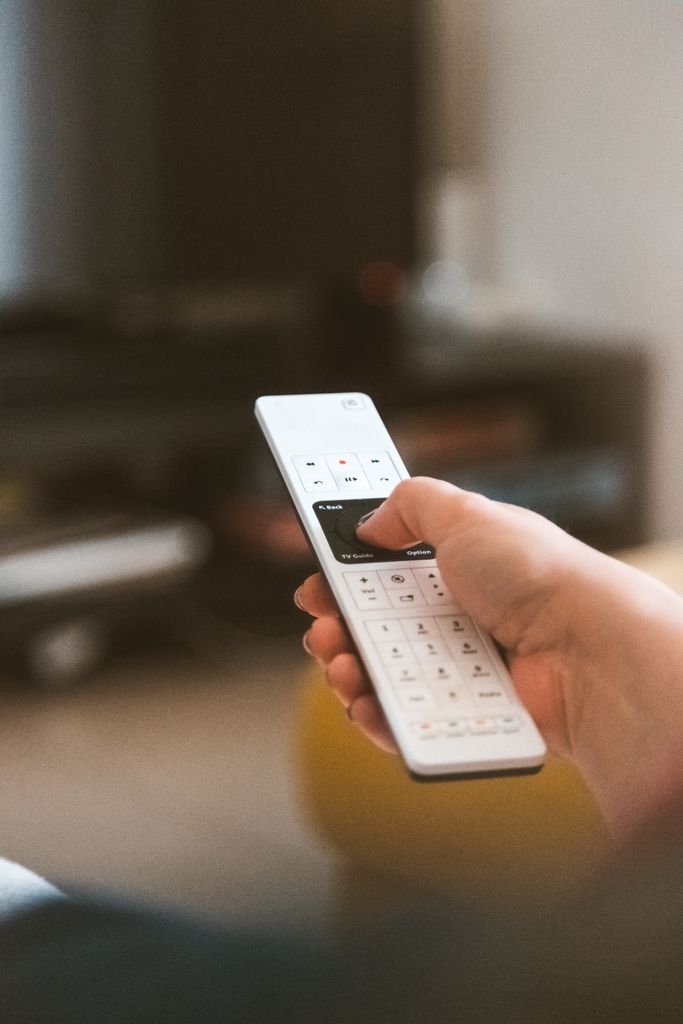
Start with fresh batteries, since weak batteries stop the Bluetooth link. Then run the pairing steps in the set settings, with the remote close to the TV. A restart of the set clears most stuck pairings. We work through the same order on a visit.
Does Sky Glass need a dish or an aerial?
No. Glass streams over broadband, so it needs no dish and no aerial. It does need a steady internet link with enough speed for streaming. We test your link at the TV spot before we rely on it.
Can you use Sky Glass without a Sky subscription?
No. The set works with your own active Sky subscription, arranged with Sky. We help you sign in and use that subscription well. We cannot supply one, and we cannot unlock the set without one.
Can you add apps to Sky Glass?
We can open and set up the apps Sky makes available at the time of your visit. Sky controls that list. If an app is absent from Sky system, no installer can add it, and we will tell you that on the day rather than after it.
Why does my Sky Glass buffer most evenings?
Evening hours load your street network and your home Wi-Fi at the same time. A weak signal at the TV makes the load bite harder. We test the signal, try a wired link where one can reach, and set realistic expectations for busy hours.
Book Your Sky Glass Setup
Tell us the set size, the room and your broadband type. We confirm we can help, quote a fixed price and agree a time. By the end of the visit, the remote feels simple and your shows sit one voice command away.
Prefer to write to us? Use our contact page.
Chosen a normal smart TV instead? See our Smart TV setup service page.