IPTV UK: Find the Right IPTV Service for Your Home
IPTV brings live TV, films and series to your screen over the internet. You watch through an app on a device you already own. There is no dish, no aerial and no engineer visit. More UK homes switch to internet TV every year. A good IPTV UK service shows its prices in the open. It names the devices it runs on. It answers your questions in plain English. You can try the service first with a 24 hour free trial. No card is needed to start the trial. Test the channels, the guide and the picture on your own TV. Only pay when the service suits your home.
What Is IPTV?
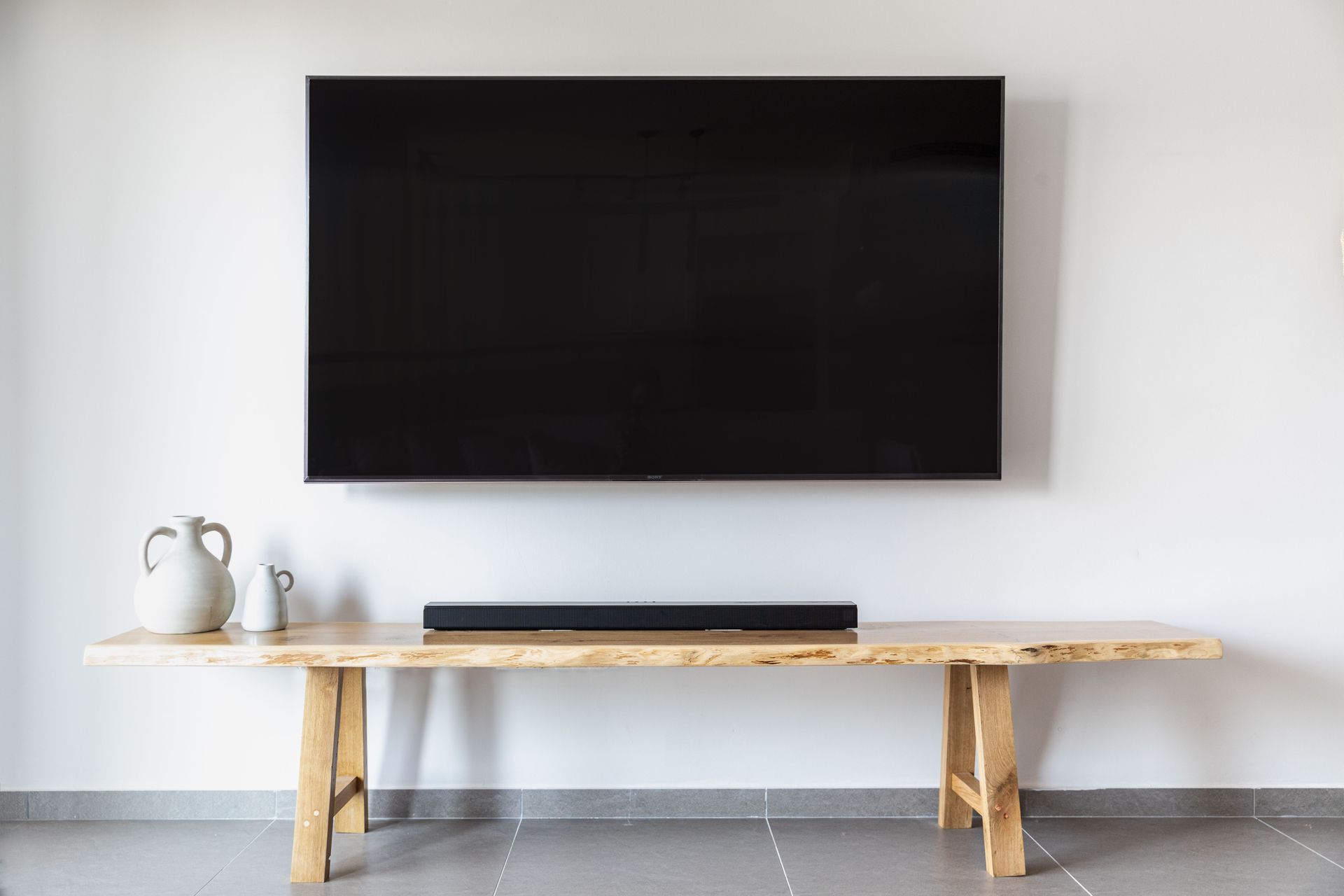
IPTV stands for Internet Protocol Television. It sends TV programmes to your screen over your broadband line. Traditional TV arrives by aerial, satellite dish or cable. IPTV arrives the same way your emails and web pages do. People call the same thing IPTV UK, UK IPTV or British IPTV. The name changes, but the idea stays the same.
Most services offer two kinds of viewing. Live channels play at set times, just like normal TV. On demand libraries let you pick a film or episode and start it when you like. A good service includes an electronic programme guide, or EPG. The EPG works like the guide button on your old remote. Some services add catch up TV, so you can watch a show you missed earlier in the week.
You do not need a special television. You need three things: a broadband connection, a suitable device and a subscription. Broadband brings the programmes into your home. The device and the app put them on your screen. The subscription gives you the login that opens the service. A fair service is easy to spot once you know those three parts. You also know which questions to ask before you pay.
What Should You Look for in British IPTV Services?
Use this checklist with any seller, including us. A careful service passes every point without fuss.
- Clear plan details. The plan length, the total price and the renewal terms should sit in the open. If a seller hides the total price until checkout, walk away.
- An honest channel list. Ask to see the channel list before you pay. Check that the channels you actually watch are on it. Big headline numbers mean little without the list itself.
- Support for your device. The service should name the devices it works on. It should also give setup help for your exact device, in plain steps.
- Picture quality that matches your TV. HD suits most homes and most screens. 4K only pays off if your television is a 4K model.
- A programme guide that works. The EPG should load quickly and show the right programmes at the right times. Wrong guide times are a common early warning sign.
- The extras you want, confirmed in writing. Catch up, recording and multi room viewing vary a lot between services. Check the features you care about before you pay, not after.
- A real way to get help. Look for a named support channel and clear contact details. Send a test question before you subscribe and judge the reply.
- Straight answers on the legal side. A careful seller explains the legal position in plain words. Vague answers here should put you on your guard.
You can test our own service against this same list. Our IPTV subscription UK plans sit in the open, with every total shown before you pay.
Our Plans at a Glance
Every plan gives the same service. Only the length and the total price change. Longer plans cost less per month, as the table shows.
| Plan length | Total price | Works out at |
|---|---|---|
| 1 month | £12.99 | £12.99 a month |
| 3 months | £29.99 | About £10 a month |
| 6 months | £44.99 | About £7.50 a month |
| 12 months | £59.99 | About £5 a month |
The 12 month plan suits homes that watch every week. The 1 month plan suits a first paid step after the trial. Each plan starts with the same 24 hour free trial. Test your own TV, your own channels and your own broadband first. The subscription page shows the full details, with the total cost shown before you pay.
What You Get: Channels, Films and Series
A subscription opens live channels, films and series inside one app. Live channels cover the everyday viewing most homes rely on. Films and series sit in on demand libraries, ready when you are. Channel subscriptions such as Zam TV and B1G form part of the viewing on offer. Each one adds its own set of channels to the mix.
Line ups differ between services, and they change over time. Never assume a channel is included. Ask for the current channel list before you pay. Check your own must watch channels against that list. Sports fans should check the sports line up the same way. Film fans should check the on demand library, not the headline numbers. Two minutes with the real list beats any sales claim.
Works on the TV and Devices You Already Own
Most IPTV UK homes start with a screen they already own. The right setup steps depend on the device in your living room.
Fire TV Stick
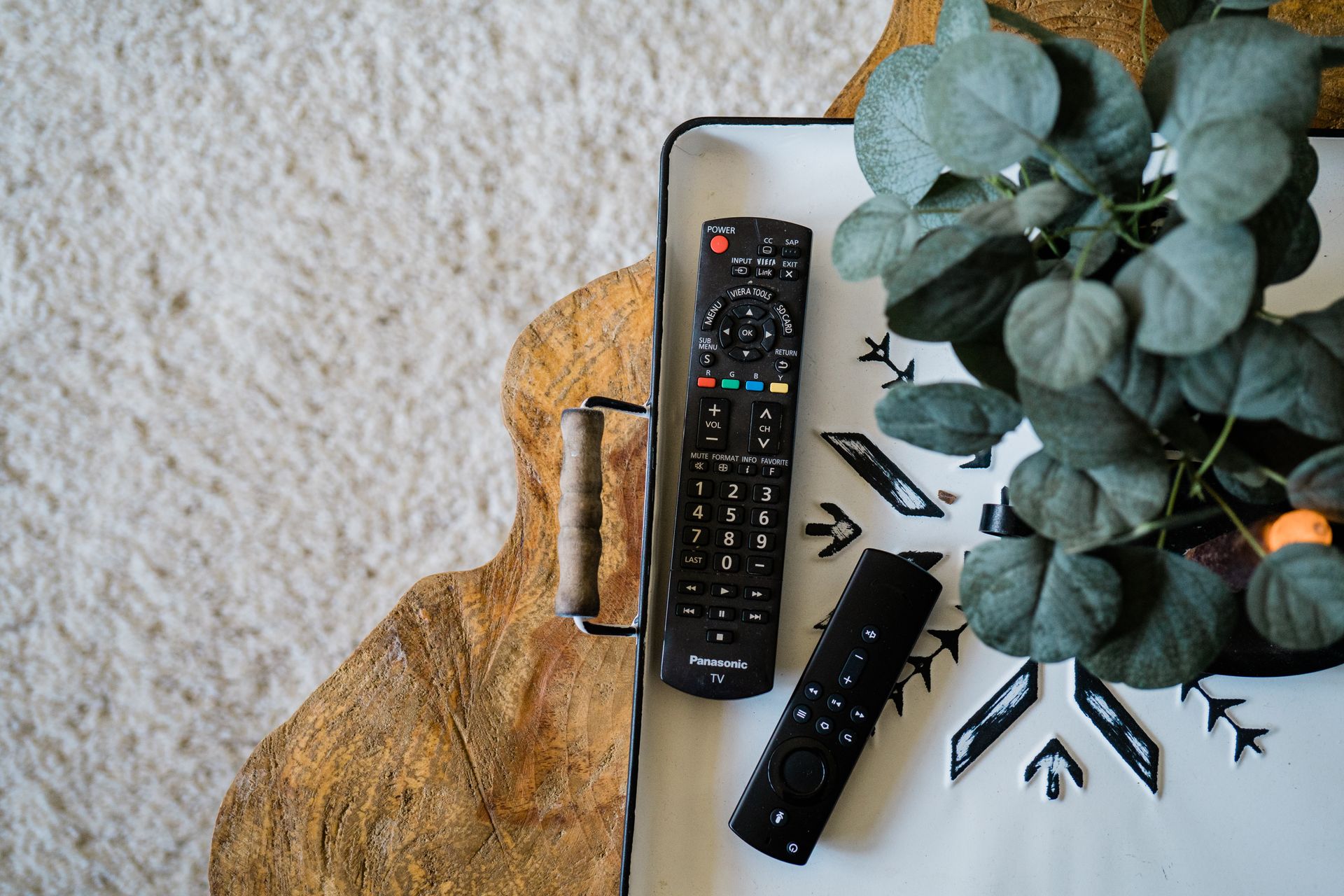
Amazon’s stick plugs into a spare HDMI port on your television. It suits older TVs that have no smart features of their own. The stick runs the player app, and your normal remote habits stay the same. Follow the steps here: how to install IPTV on Firestick.
Smart TV
Samsung and LG sets run IPTV apps from their own app stores. There is nothing extra to plug in. Setup means installing one app and signing in. Work through both brands step by step: IPTV on Smart TV.
Android TV and Google TV
Android TV sets and boxes run a broad choice of player apps. Sony, Philips and many budget sets use this system. So do popular streaming boxes. Google TV sits on many newer sets and sticks, and it runs the same player apps. The steps explain the app choice and the sign in process: how to set up IPTV on Android TV.
Phones, Tablets and Computers
Many services also run on phones and tablets through an app. Some work in a web browser on a laptop or desktop. These options suit a second screen in the kitchen or bedroom.
Picture Quality Explained: HD, 4K and 8K
Picture quality names describe how sharp the image looks on screen. SD is standard definition, the soft picture of older broadcasts. HD is high definition, and it is the standard most channels use today. 4K carries four times the detail of HD. Faces, grass and small text all look cleaner in 4K. A football match in 4K shows the ball and the players with real clarity. Films in 4K show fine detail in dark scenes too. You only see that gain on a 4K television. On a small screen, the gap between HD and 4K shrinks a lot. If you own a 4K set, pick a service that feeds it properly. If your set is HD only, HD streams still look sharp and cost you less speed.
8K sits above 4K on paper, and some services list it as a feature. In practice, 8K televisions and broadcasts are still rare in UK homes. Treat it as a future extra, not a reason to choose a service today.
Your broadband speed sets the ceiling for all of this. Use this table as a rough guide for one stream at a time.
| Picture quality | What it means | Broadband speed guide |
|---|---|---|
| SD | Standard definition, older channels | Around 3 Mbps |
| HD | Sharp picture on most modern TVs | Around 10 Mbps |
| 4K | Ultra HD, needs a 4K screen | Around 25 Mbps |
Other people online at the same time need extra room on top. Gaming, video calls and downloads all share the same line. For 4K, a cable from the TV or stick to the router beats Wi-Fi. It removes most pauses and spinning circles in one move.
IPTV Apps and Players
A player app is the programme that shows your channels on screen. Your subscription provides the login. The app provides the guide, the search and the play buttons. Choosing the right app matters almost as much as choosing the service.
IPTV Smarters and TiviMate are two names you will see often. Samsung and LG sets use apps from their own stores instead. Most apps ask for one of two things at sign in. They ask for an M3U playlist link, or for an Xtream Codes login from your provider. Your provider will tell you which one your plan uses.
The right app depends on your device, not on fashion. Compare the main players side by side, and match the app to your screen: best IPTV app for Firestick.
IPTV Compared With Cable, Satellite and Freeview
Many readers ask how IPTV stacks up against the older ways of watching. Prices change often, so the table sticks to how each option works.
| Feature | IPTV | Satellite | Cable | Freeview |
|---|---|---|---|---|
| How it reaches you | Broadband internet | Dish on your home | Cable in the street | Aerial |
| Extra equipment | An app on a device you own | Dish and set-top box | Set-top box | TV or box with an aerial |
| Installation | You set it up yourself | An engineer usually fits the dish | An engineer visit for new lines | The aerial may need fitting |
| Watching on other screens | Apps on phones and tablets | Mostly tied to the dish at home | Mostly tied to the home connection | At home, where the aerial is |
| Live sport and films | Depends on the plan you choose | Sold in packages | Sold in packages | A small set of free channels |
Freeview stays free and simple, and it suits light viewers well. Satellite and cable bring big channel packs with set monthly bills. IPTV gives you the most choice over device and viewing place. The trade off is plain. Your picture depends on your broadband, not on the weather outside.
How It Works in Three Steps
Step 1: Choose a plan.
Start with the 24 hour free trial, then pick the plan length that fits your home. The subscription plans show what each plan includes.
Step 2: Install the app.
Follow the setup steps for your device, in plain words and in order. You sign in with the details your provider gives you.
Step 3: Start watching.
Open the programme guide, pick a channel and press play. The same login works each time you open the app. If you get stuck, message us and we will walk you through it.
Is IPTV Legal in the UK?
IPTV itself is legal. The technology is just a delivery method, like a web browser for television. The legal question sits with the service, not with your screen. A lawful service holds the rights to show its channels and films. A service that offers premium channels for a tiny one off fee should raise questions.
The UK Intellectual Property Office publishes guidance on this subject. It explains the risks of illicit streaming devices and services. Read it before you buy from any seller: IPO guidance on illicit streaming devices (gov.uk).
Warning signs of an unlawful service are easy to spot. They include cash only payment, no contact details and no clear business name. Huge channel claims at very low prices belong on the same list. A careful seller answers legal questions in plain words, as we try to do here.
Two practical safety points protect you further. Use a strong password for your viewing account. Pay by a traceable method, so you keep proof of purchase. And remember the TV Licence rule. You need a TV Licence to watch live TV in the UK on any service, including IPTV. You also need one for BBC iPlayer.
An Online Service, Wherever You Live
IPTV is an online service from start to finish. Your town does not limit your choice of service. There is no shop to visit and no engineer books a visit to your home. You order online and pay online. Setup help arrives by chat or call, with plain steps to follow at home. Most problems get solved the same way, by chat or call. A support agent can talk you through the fix while you hold your remote. The subscription starts online, the app goes on your device at home, and help stays one message away. Compare services UK wide and the pattern stays the same. You order today, follow the steps at home, and watch the same evening.
Frequently Asked Questions
What is IPTV and how does it work?
IPTV is television delivered over your broadband line. A player app on your TV, stick or box receives the stream. You sign in with a subscription, open the guide and press play. Live channels play at set times. On demand titles start whenever you choose.
What do I need for IPTV?
You need three things. First, a broadband connection with enough speed for the picture you want. Second, a suitable device, such as a Fire TV Stick, a Smart TV or an Android TV. Third, a subscription from a service you have checked with care.
What internet speed do I need for IPTV?
HD viewing runs well at around 10 Mbps. A 4K stream needs around 25 Mbps. Busy homes should allow extra speed for other people online. A wired connection to the router gives the steadiest picture.
How much does an IPTV subscription cost in the UK?
Our plans start at £12.99 for 1 month. Three months cost £29.99 and six months cost £44.99. The 12 month plan costs £59.99 in total. That works out at about £5 a month. Longer plans cost less per month than short ones. You see the full cost before you pay.
Is there a free trial?
Yes. Every plan starts with a 24 hour free trial. You need no card to start. Use the trial to test the channels, the guide and the picture on your own TV. If the service does not suit your home, you simply do not continue.
Does IPTV work on my Firestick or Smart TV?
In most cases, yes. Fire TV Sticks run the main player apps. Samsung and LG Smart TVs install apps from their own stores. Android TV sets and boxes work too. A small number of closed systems only run their own built in service.
Can I use one subscription on two devices?
That depends on the plan you choose. Some plans cover one screen at a time. Others allow more, sometimes for an extra fee. Check the plan details before you buy. If the details are unclear, ask us on WhatsApp before you pay.
Does IPTV include sports channels?
Line ups differ a lot between services. Some focus on live sport, others on films and general channels. Never assume a channel is included. Ask for the current channel list and check it yourself. Then check the sports channels you watch against that list.
Is IPTV legal in the UK?
Yes, the technology is legal. The service you buy must hold the rights to its channels and films. The UK Intellectual Property Office publishes guidance on illicit streaming devices. Read that guidance, and avoid sellers who dodge legal questions.
Do I need a TV Licence for IPTV?
Yes, if you watch live TV on any service, you need a TV Licence. The rule covers IPTV in the same way as satellite or cable. You also need a licence for BBC iPlayer, live or on demand.
How long does setup take?
Plan for one short session with your remote in hand. You install one app, sign in and check the guide loads. Small steps in a clear order keep the job simple. Most people finish in a single sitting, tea breaks included.
Ready to Choose Your Service?
You now know how the service works and what to check before you pay. The next step is simple. Look at the current plans and pick the length that fits your home. Then follow the steps for your device and start watching. If you would rather talk it through first, message us. We answer questions about devices, plans and setup in plain English. You can also use the contact page if you prefer email.